What content decay actually means
A page that ranked well for months gradually loses impressions, then clicks, then disappears from the first two pages entirely. No algorithm penalty, no technical issue, no one removed a backlink. It just faded.
That is content decay. It is not a single event. It is the natural lifecycle of a piece of content that stopped being the best available answer for the queries it once served.
Most sites have more decaying pages than they realize. The visibility loss is slow enough that weekly reporting misses it, and by the time someone notices, the page has already lost most of its traffic.
How decay shows up in your data
The clearest signal is in Google Search Console’s Performance report. Look at page-level data over 6 to 12 months:
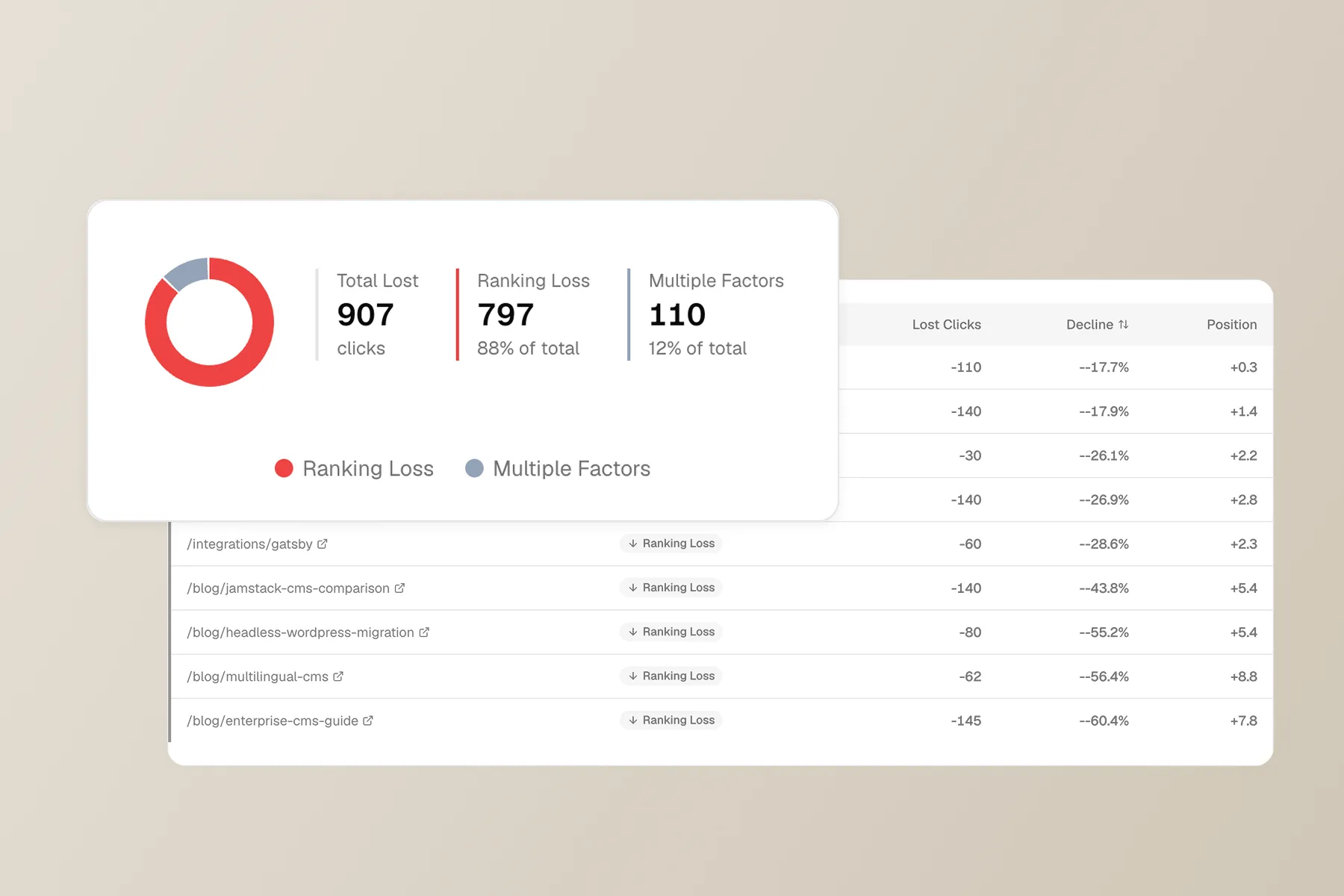
- Impressions decline first. Google is showing your page to fewer people. This usually means competing pages are winning your position.
- Average position drifts. A page that sat at position 4 slowly moves to 8, then 14. Each step down costs disproportionate CTR.
- Clicks follow impressions down. By the time clicks are visibly lower, the page has already been losing ground for weeks or months.
- CTR may stay flat or even rise. If your title and description are strong, CTR holds up even as the page falls. This is why CTR alone is a misleading health metric.
The trap: if you only monitor total site traffic, decay on individual pages gets hidden by growth elsewhere. You need page-level or section-level views to catch it.
Why pages decay
There is no single cause. Pages decay for different reasons, and the fix depends on diagnosing which one applies.
The content aged out
Information gets stale. A “best tools for X” post from 2024 loses relevance as tools change. A statistics roundup cites numbers that are two years old. A process guide describes a UI that has since been redesigned.
Google’s systems increasingly compare freshness signals across competing pages. If three competitors updated their version in the last six months and yours is unchanged, the ranking math shifts.
Signal: Impressions drop on queries where competitors have newer content. Check the SERP manually; if the top results are all from the last 12 months, you have a freshness problem.
The competitive landscape changed
New competitors entered the SERP. An existing competitor rewrote their page, added depth, or earned more links. A site with higher domain authority published on the same topic.
Signal: Position drops on your primary queries, but impressions for those queries (at the query level, not page level) stay stable or grow. The demand is still there; someone else is capturing it.
Search intent shifted
The queries your page targets now trigger a different kind of result. A query that used to return how-to guides now returns product comparison pages. A query that surfaced long-form articles now shows short direct answers or AI Overviews.
Signal: Your page drops for specific queries while holding steady on others. Check the SERP: if the page type that ranks has changed (e.g., from guides to tools), your content format is mismatched, not just outdated.
Demand declined
Sometimes the topic itself loses search volume. Seasonal trends, industry shifts, or technology changes reduce how many people search for a query. Your ranking may be fine, but there are simply fewer searches happening.
Signal: Both impressions and position stay roughly stable, but clicks drop because there is less total search volume. Google Trends can confirm whether the query itself is declining.
Internal competition (cannibalization)
You published a newer page that overlaps with the original. Google now splits signals between two URLs, and neither ranks as well as one would alone.
Signal: A second URL on your site starts appearing for the same queries, and both pages lose position compared to when only one existed. In GSC, filter by query and check which pages Google is showing.
The decision framework: refresh, rewrite, or let go
Not every decaying page deserves rescue. The right response depends on why it decayed and how much it matters to your site.
Refresh
A refresh updates the existing page without changing its core structure or URL. It is the right move when:
- The content is fundamentally sound but outdated (stats, screenshots, tool names, dates)
- The page still ranks on page 1 or 2 and needs a nudge, not a reinvention
- The search intent has not changed; your page format still matches what ranks
What a refresh looks like: Update facts and examples, add a missing section competitors cover, improve internal links, update the publish date only if the changes are substantial.
Rewrite
A rewrite means rebuilding the page from scratch, usually to match a shifted intent or to compete with significantly better content. Same URL, new content.
- The page’s structure no longer matches what ranks for the target query
- Competitors have fundamentally more useful or comprehensive pages
- The content is more than two years old and has drifted far from current best practices
What a rewrite looks like: Research the SERP fresh, outline from scratch, write new content, keep the URL. Redirect only if the topic has changed enough that the URL slug no longer makes sense.
Let go
Some pages are not worth saving. Letting go means either removing the page (with a redirect if it has backlinks) or accepting that it will sit at low traffic.
- The topic’s search demand has declined to near zero
- You have a newer page that serves the same intent better
- The page was targeting a keyword you no longer care about strategically
When to let go: If the page gets fewer than 10 clicks per month, has no meaningful backlinks, and does not support a topic cluster you are building around, the time spent refreshing it is better invested elsewhere.
How to monitor for decay before it is obvious
Waiting until a page is visibly underperforming means you have already lost months of traffic. Set up a review cadence instead:
Monthly: Check your top 20 pages by clicks. Compare the last 28 days to the previous 28 days. Flag anything with a 15%+ drop in impressions.
Quarterly: Review all pages with more than 100 clicks per month over the past 6 months. Plot the trend. Pages with three consecutive months of decline are decaying, even if each monthly drop is small.
On every core update: After a confirmed Google algorithm update, check your top pages within 2 to 3 weeks. Decay that was already happening often accelerates after updates.
The key is consistency. A monthly review that catches decay at 10% loss is far more valuable than a quarterly audit that catches it at 50%.
Cluster-level decay vs page-level decay
Individual page decay is easy to act on. Cluster-level decay is the harder, more important signal.
If a single blog post about “remote onboarding checklists” loses traffic, it is a page problem. If every page in your “remote work” cluster is declining, you have a structural or demand problem that no single refresh will fix.
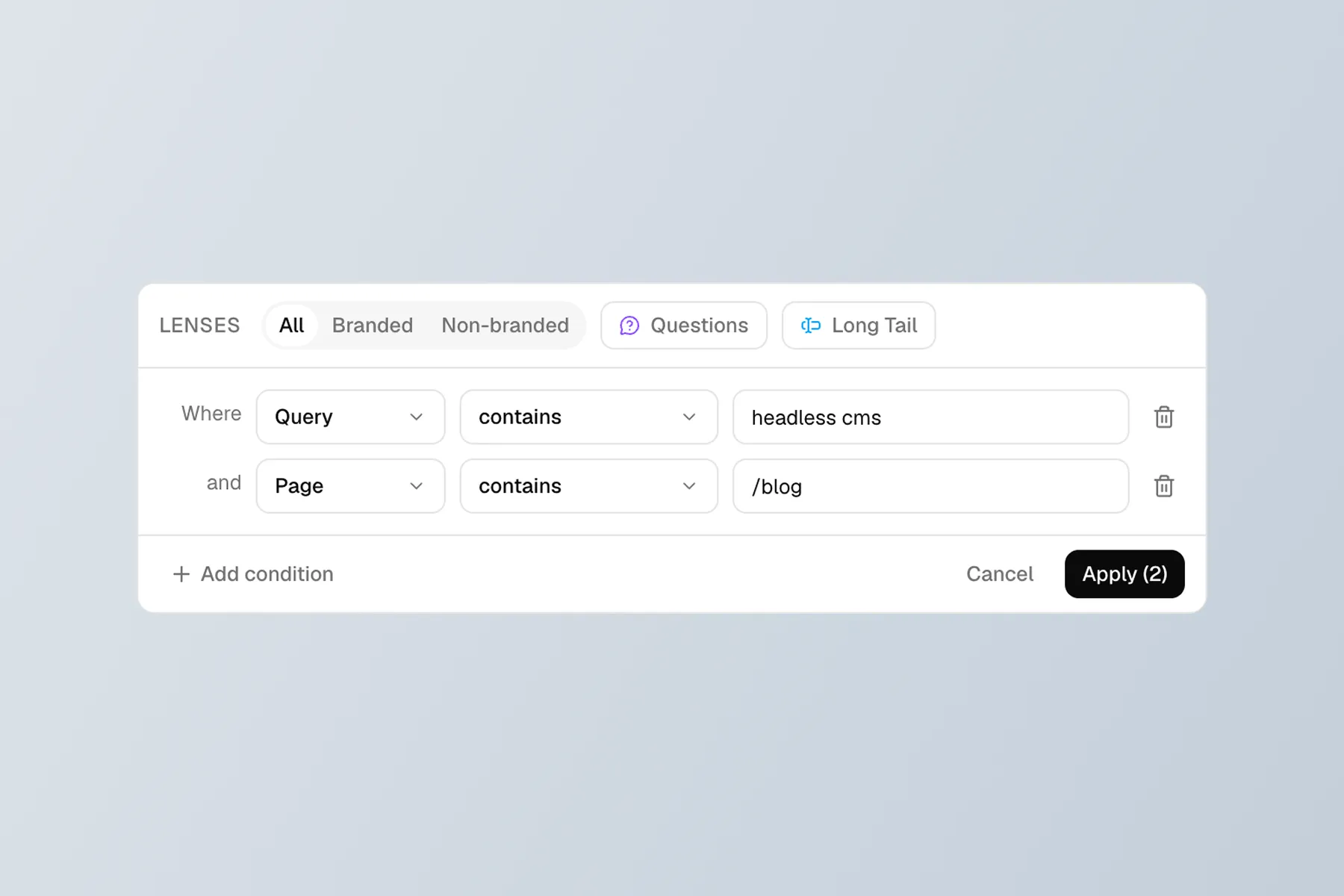
This is where page-level GSC data falls short. You need to group pages by topic and look at the aggregate trend. Manually, you can approximate this with GSC’s page filters (e.g., filter for all URLs containing /remote-work/). For query-based clusters that span multiple URL patterns, you need a tool that groups by topic rather than by URL path.
The diagnosis changes at the cluster level:
- One page down, cluster flat: Page-level issue. Refresh or rewrite that page.
- Cluster declining, site flat: Competitive or intent shift in that topic. Research the SERP for your cluster’s primary queries.
- Multiple clusters declining: Possible site-wide issue (authority, technical, or a broad algorithm change).
What content decay is not
A few things that look like decay but are not:
- Seasonal dips. Compare year-over-year, not month-over-month. A January traffic drop on “summer recipes” is seasonality, not decay.
- A single bad week. GSC data fluctuates. Look at 28-day rolling averages, not daily snapshots.
- New page cannibalization. If you just published a similar page and the old one dropped, that is cannibalization, not organic decay. The fix is consolidation, not refresh.
- Reporting lag. GSC data can lag 2 to 3 days and sometimes longer during processing delays. Do not diagnose decay based on yesterday’s numbers.
Summary
Content decay is slow, silent, and inevitable for any site that publishes regularly. The pages you wrote last year are competing against pages written this year, and the bar keeps moving.
The fix is not to refresh everything. It is to build a review cadence that catches decline early, diagnose why each page is slipping, and make a clear call: refresh, rewrite, or let go. Spend your time on the pages that still have strategic value, and accept that some content has served its purpose.