The wrong way to investigate a traffic drop
Most people open Google Search Console, see the line going down, panic, and start clicking through reports looking for something that explains it. They check random pages, compare random date ranges, and eventually land on a theory that confirms whatever they already suspected.
This is time-consuming, unreliable, and often leads to fixing the wrong thing.
Traffic drops have a diagnostic structure. The same way a doctor does not start with surgery, you do not start with “rewrite the blog.” You start by narrowing the scope until the cause is obvious.
Step 1: Branded vs non-branded
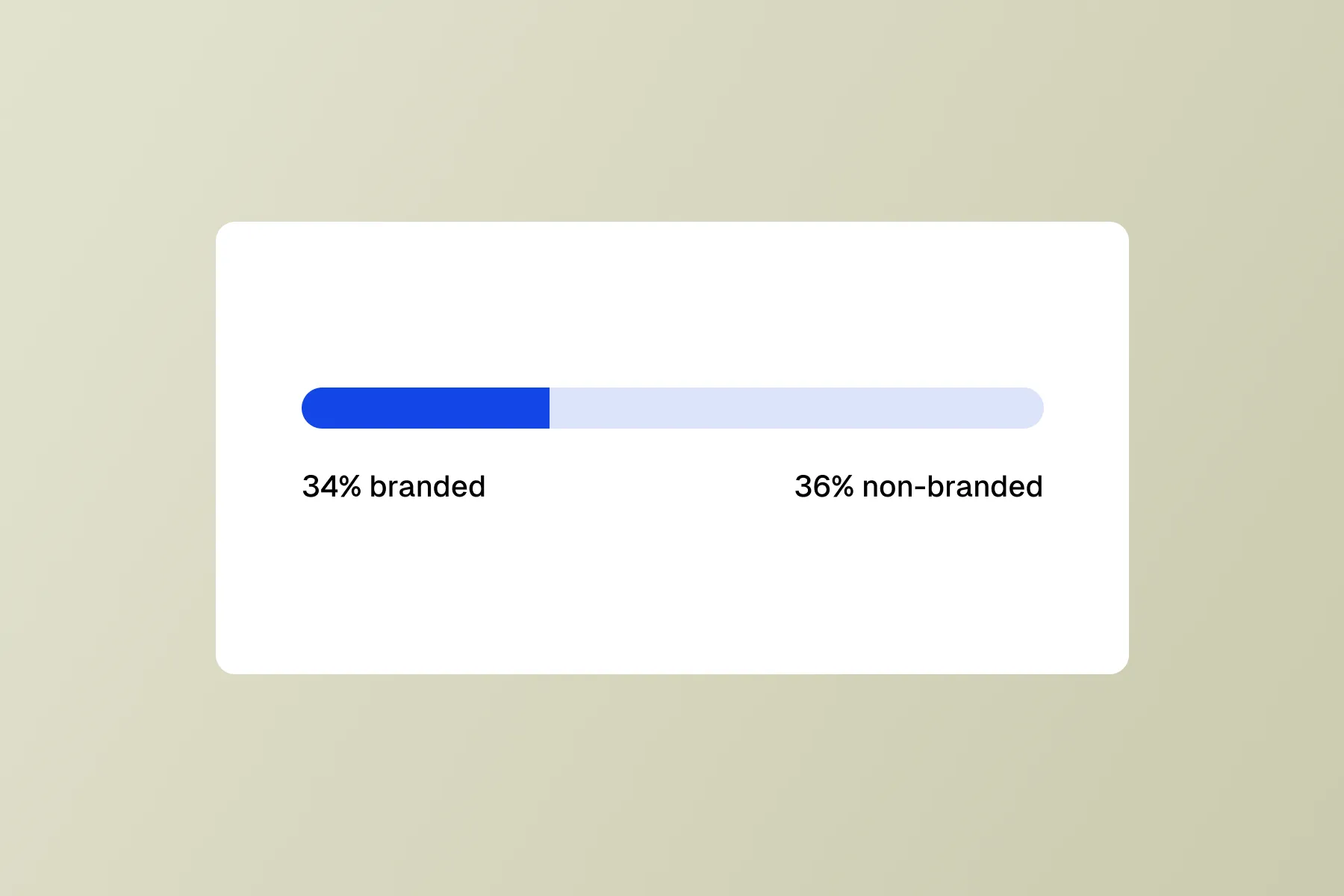
This is the single most important split in any traffic investigation. GSC now has native branded/non-branded query filters in the Performance report, so this takes seconds.
If non-branded dropped but branded is stable: Your SEO is the issue. This is a competitive, content, or technical problem. Proceed to step 2.
If branded dropped but non-branded is stable: Your brand demand is declining. Fewer people are searching your name. This is not an SEO problem; it is a marketing, product, or reputation problem. Rewriting pages will not fix it.
If both dropped: Either you have a site-wide technical issue (broken indexing, accidental noindex, migration gone wrong), a broad algorithm hit, or two separate problems happening at once.
If branded is up but total is down: Your brand is growing (maybe from PR, word of mouth, or AI mentions), but it is masking an SEO decline in your non-branded traffic. This is the most dangerous scenario because total traffic may look flat while your competitive position is eroding.
Start here every time. The branded/non-branded split tells you whether you are dealing with a demand problem, an SEO problem, or both.
Step 2: Timing and shape
Open the Performance report with a 6-month or 12-month view. The shape of the drop tells you what category of cause to investigate.
Sudden drop on a single date
Look for:
- A confirmed Google algorithm update (check search news, Google’s own announcements)
- A deployment or code change on your site around that date (check your deploy logs, git history)
- A robots.txt, noindex, or canonical change that went live
- A CDN or hosting issue that caused downtime or slow responses
Sudden drops are almost always technical or algorithmic. They are the easiest to diagnose because the timing narrows the suspect list.
Gradual decline over weeks or months
This is content decay, competitive displacement, or demand decline. There is no single breaking point; the page (or pages) are slowly losing ground.
Look for:
- Competitors publishing better content on your target queries
- Your content aging out (outdated stats, stale examples, old screenshots)
- Search intent shifting (the SERP now shows a different type of result)
Gradual declines are harder to diagnose because there is no single event to point at. Proceed to step 3 for segmentation.
Drop and recovery
If traffic dropped and then recovered within a few days, it was likely a GSC reporting delay, a temporary indexing issue, or a short-lived algorithm fluctuation. Note it and move on unless it recurs.
Seasonal pattern
Compare year-over-year, not month-over-month. If the same dip happened last August, it is seasonality, not a problem to fix.
Step 3: Segment by page type
Total site traffic is too broad to diagnose. Break your site into segments:
- Blog / editorial content
- Product or feature pages
- Documentation or help content
- Programmatic / template pages (e.g.,
/tools/,/templates/) - Landing pages
- Homepage
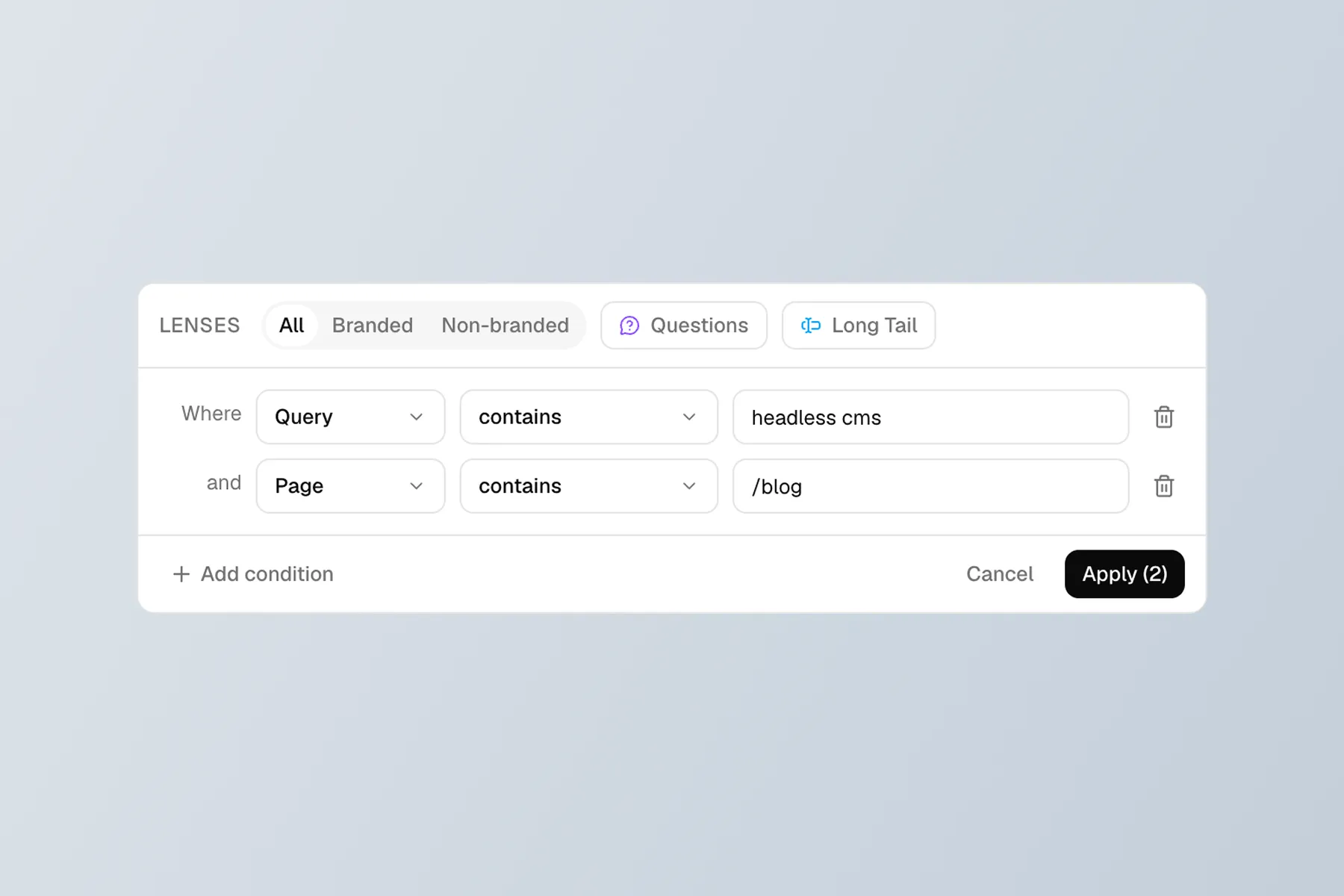
In GSC, use the Page filter with “contains” to isolate each section (e.g., all URLs containing /blog/). Check which segments are down and which are stable.
One segment down, rest stable: The problem is specific to that content type. Could be a template-level technical issue, a competitive shift in that topic area, or content decay concentrated in one section.
All segments down: Site-wide issue. Think technical (indexing, crawling, site speed), algorithmic (broad core update), or authority (lost important backlinks).
Only programmatic pages down: Template-level rendering, internal linking, or thin content issues. Google sometimes reevaluates large sets of template pages after updates.
Step 4: Segment by query type
Within the affected segment, look at what kinds of queries lost traffic:
Informational queries (how to, what is, guide, tutorial): High risk from AI Overviews and featured snippets absorbing clicks. If impressions are stable but clicks dropped, users may be getting their answer directly in the SERP.
Commercial investigation queries (best, comparison, vs, review): Competitive displacement. Check if new players entered the SERP or if existing competitors published significantly better content.
Transactional queries (buy, pricing, demo, signup): Check for increased ad coverage in the SERP, new shopping modules, or local pack results pushing organic listings down.
Navigational queries (your brand + feature, your brand + login): If these dropped, something is wrong with your site’s indexing or there is a brand reputation issue. These should be stable unless there is a technical problem.
Step 5: Check the SERP
At this point you have narrowed the drop to a segment and query type. Now go look at the actual search results for your most affected queries.
Open an incognito window (to avoid personalization) and search for 3 to 5 of the queries where you lost the most traffic. Look for:
- AI Overviews or featured snippets absorbing the answer. If Google is answering the query directly, click-through rates drop even if your ranking has not changed.
- New competitors in the top positions. Who replaced you? Is their content better, more recent, or from a higher-authority domain?
- Changed result types. Did the SERP shift from articles to videos, from guides to tools, from long-form to short answers?
- Your page missing entirely. If it is not in the top 50, check indexing. Use URL Inspection in GSC to verify the page is indexed and crawled recently.
This step turns data patterns into a concrete diagnosis. The numbers tell you where the problem is; the SERP tells you what the problem is.
Step 6: Match the pattern to a cause
By now you should be able to map your findings to one of these categories:
| Pattern | Likely cause | Fix |
|---|---|---|
| Sudden drop, all segments, both branded and non-branded | Technical regression (noindex, robots.txt, hosting) | Check deploy history, crawl your own site, inspect URLs |
| Sudden drop, all segments, non-branded only | Algorithm update | Wait 2 weeks for stabilization, then assess which pages lost most |
| Gradual decline, one segment | Content decay or competitive displacement | Audit the top 10 pages in that segment, compare to SERP |
| Impressions stable, clicks down | SERP feature changes (AI Overviews, featured snippets) | Optimize for featured snippets, add structured data, accept some CTR loss |
| One template type down | Template-level technical issue or thin content | Inspect rendering, internal links, and content quality on that template |
| Branded queries down | Brand demand decline | Not an SEO fix; investigate marketing, PR, product perception |
| Position stable, impressions down | Query demand declining | Verify with Google Trends; may not be fixable through content |
Common misdiagnoses
“We got hit by an algorithm update” is the most overused explanation for traffic drops. Most sites that claim an algorithm penalty actually have content decay, technical debt, or competitive displacement that predates the update. Updates often just accelerate existing trends.
“Our CTR dropped” often points blame at titles and meta descriptions when the real issue is SERP layout changes. If a new AI Overview or featured snippet appears above your listing, your CTR drops even with a perfect title.
“We need more content” is the default fix for many teams, but if existing content is decaying, publishing more just spreads your maintenance burden thinner. Fix what you have before adding more.
“It is seasonal” is sometimes true but often used to avoid investigation. Always check year-over-year data before accepting this explanation.
Building a repeatable process
Traffic drops will happen again. Instead of reinventing the investigation each time, build a checklist:
- Check branded vs non-branded split
- Note the timing and shape (sudden vs gradual)
- Segment by page type to find which sections are affected
- Segment by query type within the affected sections
- Inspect the SERP for your most-affected queries
- Match the pattern to a cause
- Document the diagnosis and action plan
Keep a log of past investigations. Many traffic drops have the same root cause recurring (e.g., a specific template breaking after deploys, or content in a specific section aging out every 6 months). The log turns each investigation from a one-off fire drill into pattern recognition.
Summary
Traffic drops feel urgent, but the diagnosis should be methodical. Start wide (branded vs non-branded), narrow progressively (timing, page type, query type), and finish at the SERP to see what actually changed. The cause is almost always in one of five buckets: technical regression, algorithm update, content decay, competitive displacement, or demand decline. Knowing which bucket you are in determines whether the fix is a deploy revert, a content refresh, or a 12-month strategic plan.